
Since 2010 · Worldwide
Microsoft 365 setup and support for your team
Microsoft 365 and Outlook setup: mailboxes, Teams, OneDrive, and device sign-in. License purchase stays yours unless quoted. Worldwide remote first.
Get the most from Microsoft 365
Microsoft 365 gives your team professional email, Teams meetings, file sharing and Office apps in one subscription. Set up badly, it causes lost emails, sharing problems and security risks.
We choose the right licences, connect your domain, create mailboxes and shared inboxes, and configure Outlook on computers and phones. We set up Teams channels, OneDrive and SharePoint for file sharing, turn on multi-factor authentication and migrate your existing email and files safely from Gmail, old servers or other providers.
Every plan is built around your goals, markets and channels. Get a clear free quote — no fake rankings, no fake reviews, just real results.
What you gain with our Microsoft 365 service
- Correct licences for your team and budget
- Professional email on your own domain
- Teams, OneDrive and SharePoint set up for sharing
- Multi-factor authentication and security basics
- Safe migration from Gmail or old servers
Who Microsoft 365 is right for
- Growing teams needing professional email
- Businesses moving from Gmail or old servers
- Companies adopting Teams for meetings
- Offices needing shared files and folders
- Businesses worried about email security
How we deliver
How our Microsoft 365 service grows your business
Easy to follow — from setup to promotion and ongoing growth.
01
Diagnose
Find the problem fast
We start with secure remote support, which fixes most issues quickly, and arrange a visit when hands-on work is needed.
02
Fix
Solve it properly
Wi-Fi, Windows, printers, software and networks fixed with a clear price agreed before we start.
03
Prevent
Keep it running
Simple advice, updates and optional monthly support so the same problems do not keep coming back.
What you get
What's included in Microsoft 365
- Tenant and user setup
- Outlook and mobile mail
- Teams and OneDrive basics
- Handover notes
Related services
Often booked with Microsoft 365
One team for search, social, websites and creative — so every channel works together to bring customers.
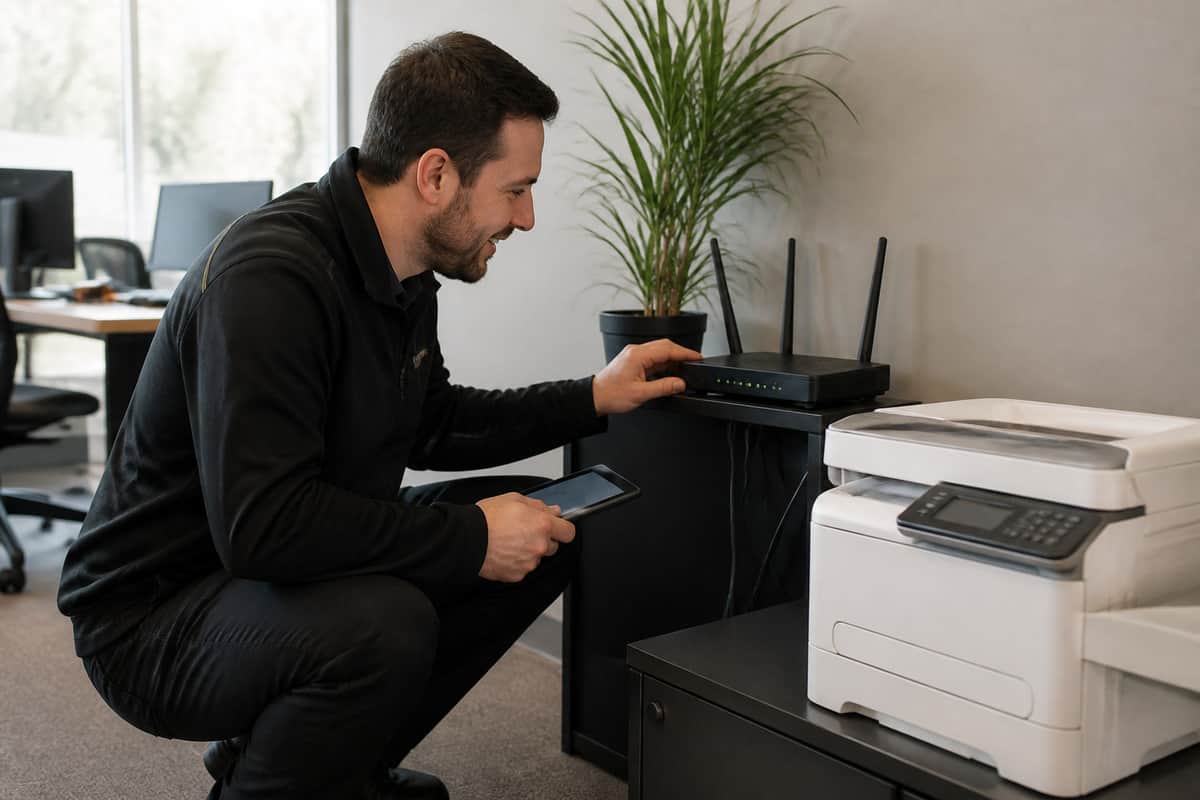
Remote troubleshooting and physical place visits: Wi‑Fi, internet, Windows, routers, devices, printers, and network fixes.
View IT support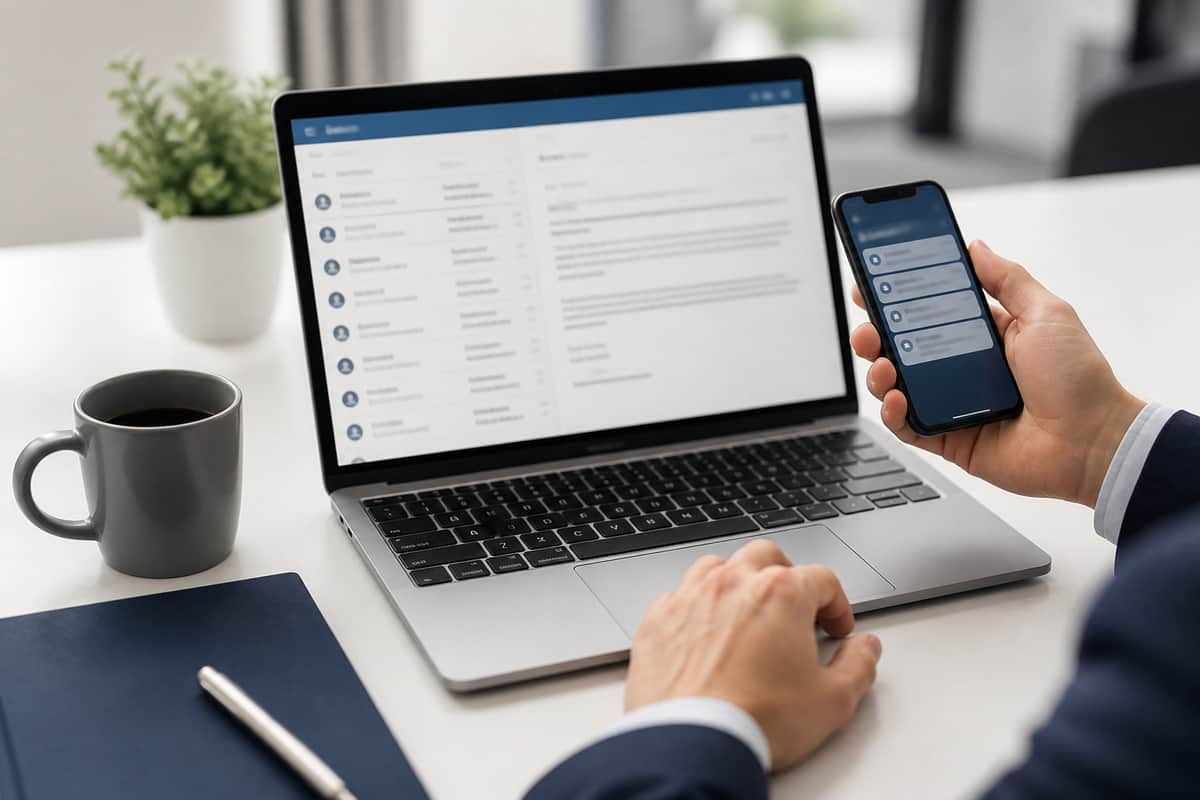
Professional mailboxes, DNS (SPF/DKIM/DMARC), and mailbox administration.
View Email hosting
Web hosting, VPS management, SSL, backups, monitoring, and server troubleshooting.
View Hosting & VPS
Business websites and landing pages that work on phone and desktop — fast, SEO-ready and built to turn visitors into customers. Quoted after your brief.
View Website development
Online stores with product pages, checkout and tracking — built so shoppers can buy easily. Brand Boost International Digital Marketing Agency quotes after catalogue size. No fake sales promises.
View Ecommerce websites
Remote (and quoted on-site) installation of games, launchers, and business software.
View Gaming & installsQuestions
Microsoft 365 — frequently asked questions
Can you move my old emails to Microsoft 365?
Yes. We migrate emails, contacts and calendars from most providers with minimal downtime.
Which Microsoft 365 plan do I need?
It depends on whether you need desktop Office apps, advanced security or just email. We recommend the most cost-effective plan for each user.
Who pays for the licences?
Licences are billed to your business by Microsoft or a reseller, so you keep ownership. Our setup and support are quoted separately.
Do you include Microsoft licenses in a package?
No. Licenses are billed by Microsoft to you unless a proposal says otherwise.
Is this the same as email hosting?
Related. Microsoft 365 is Microsoft’s cloud. Separate email hosting is a different stack.
How much does Microsoft 365 cost?
It depends on your goals, markets and the amount of work. After a short call we send a clear written quote with no hidden fees — and the quote is free.
Do you offer Microsoft 365 worldwide?
Yes. Since 2010 we have worked with businesses in the UAE, Saudi Arabia, the UK, the USA, Europe and Asia, communicating by WhatsApp, email and video calls.